Training
Learn OTOMATE, one module at a time
Each lesson is a short video of the real OTOMATE console or app, with a voice-over and captions, followed by the same steps in writing. Watch them in order to set up your company, or jump to the module you need. The same lessons are under Training in the OTOMATE console.
Start here: Getting started
Press play. Every lesson is a screen recording of the real OTOMATE console with a voice-over and captions.
All lessons
12 lessons, about 18 minutes in all.
-
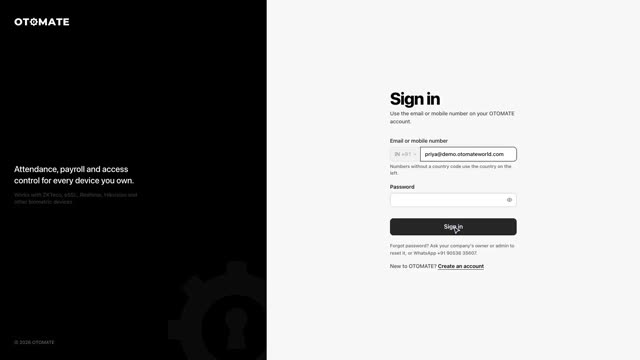 1:46
Lesson 1Getting startedSign in, read the dashboard, search, and set text size and theme.
-
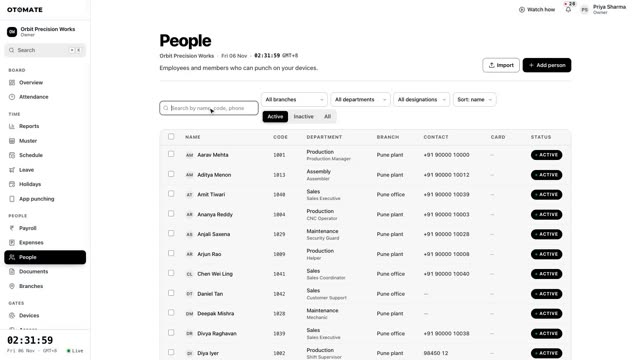 2:22
Lesson 2Add employeesAdd a person, open their profile, and keep photos and documents together.
-
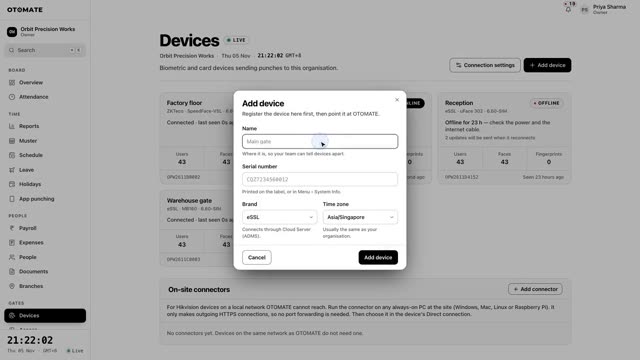 1:31
Lesson 3Connect a machineAdd an eSSL, ZKTeco, Realtime or Hikvision machine and see punches arrive live.
-
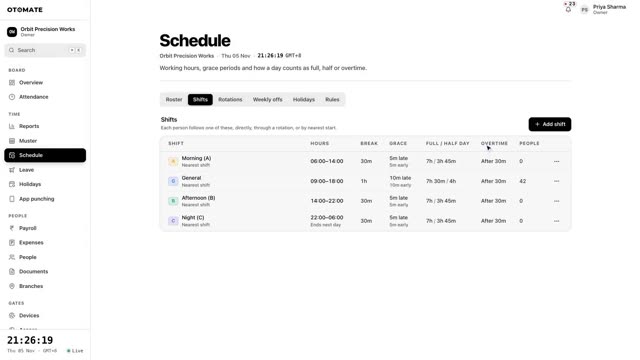 1:31
Lesson 4Shifts, rosters and holidaysSet up shifts, rotations, weekly offs, the roster and holidays.
-
 1:23
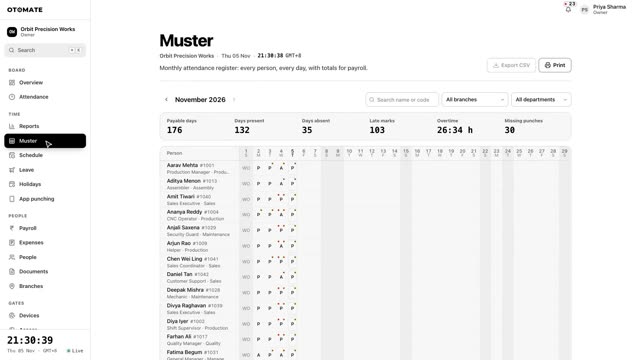
Lesson 5Attendance and correctionsRead punches and the monthly muster, correct a day, and approve requests.
-
 1:14
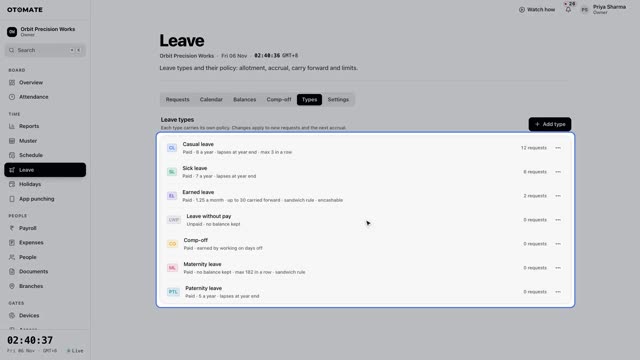
Lesson 6LeaveSet up leave types, check balances, and approve requests.
-
 2:08
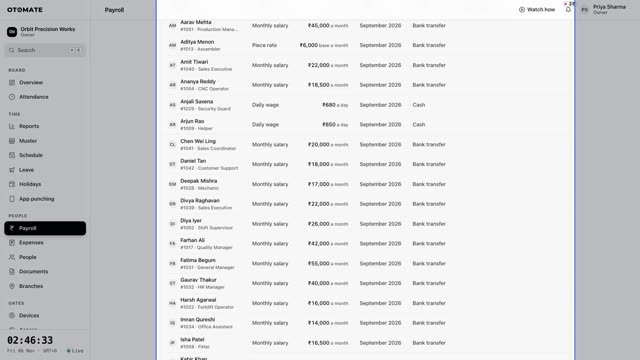
Lesson 7PayrollSalary structure, payroll run, payslips, bank file, PF/ESI and Tally export.
-
 1:15
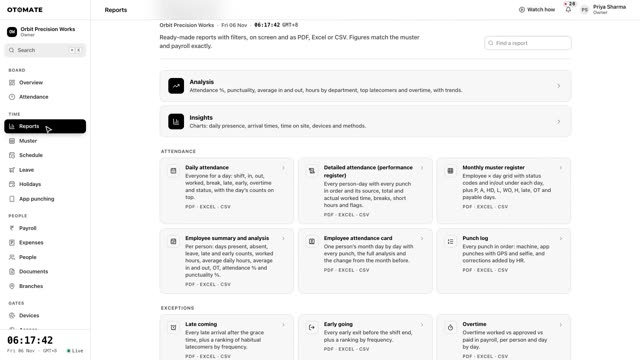
Lesson 8ReportsFind a report, choose the period, and download PDF, Excel or CSV.
-
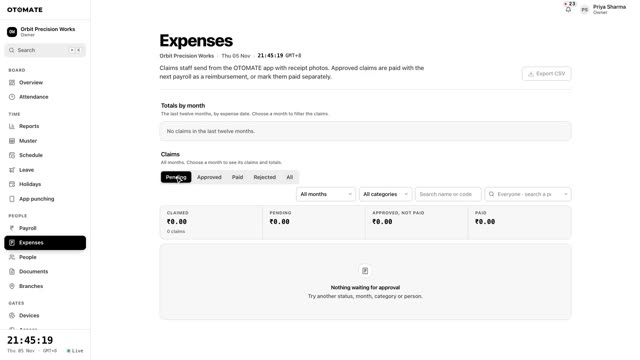 0:57
Lesson 9ExpensesApprove expense claims with receipts and pay them with the salary.
-
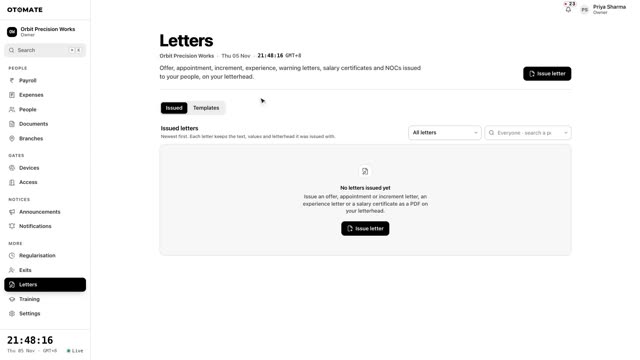 1:11
Lesson 10HR letters, exits and settlementIssue HR letters, record an exit, and settle full and final pay.
-
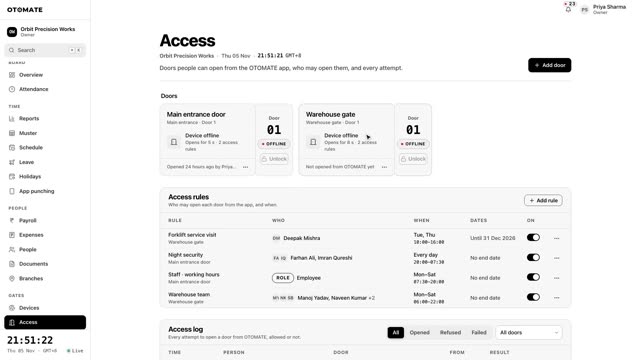 0:56
Lesson 11Door accessDecide who opens which door, unlock a door, and read the access log.
-
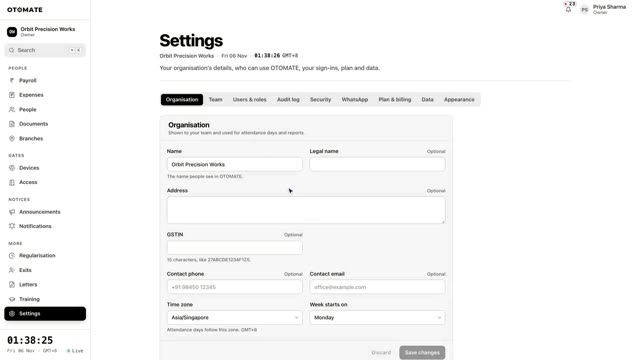 1:31
Lesson 13SettingsCompany details, admins and roles, plan, appearance and notifications.
Still stuck?
Tell us what you are trying to do. We will show you on a call, on your own account.
See it on your own machines
Book a free demo. We connect one of your machines with you on a call, and you watch your own staff’s punches arrive.